
Pioneer DJ hardware has evolved into two distinct performance tiers: the dedicated multi-player club standard (CDJ-3000 linked to DJM-A9 or V10 mixers) and the standalone all-in-one flagship (OPUS-QUAD). While both units share the internal ESS Technology 32-bit digital-to-analog converter (DAC) family, their digital signal processor (DSP) pipelines and file-system read architectures differ significantly.
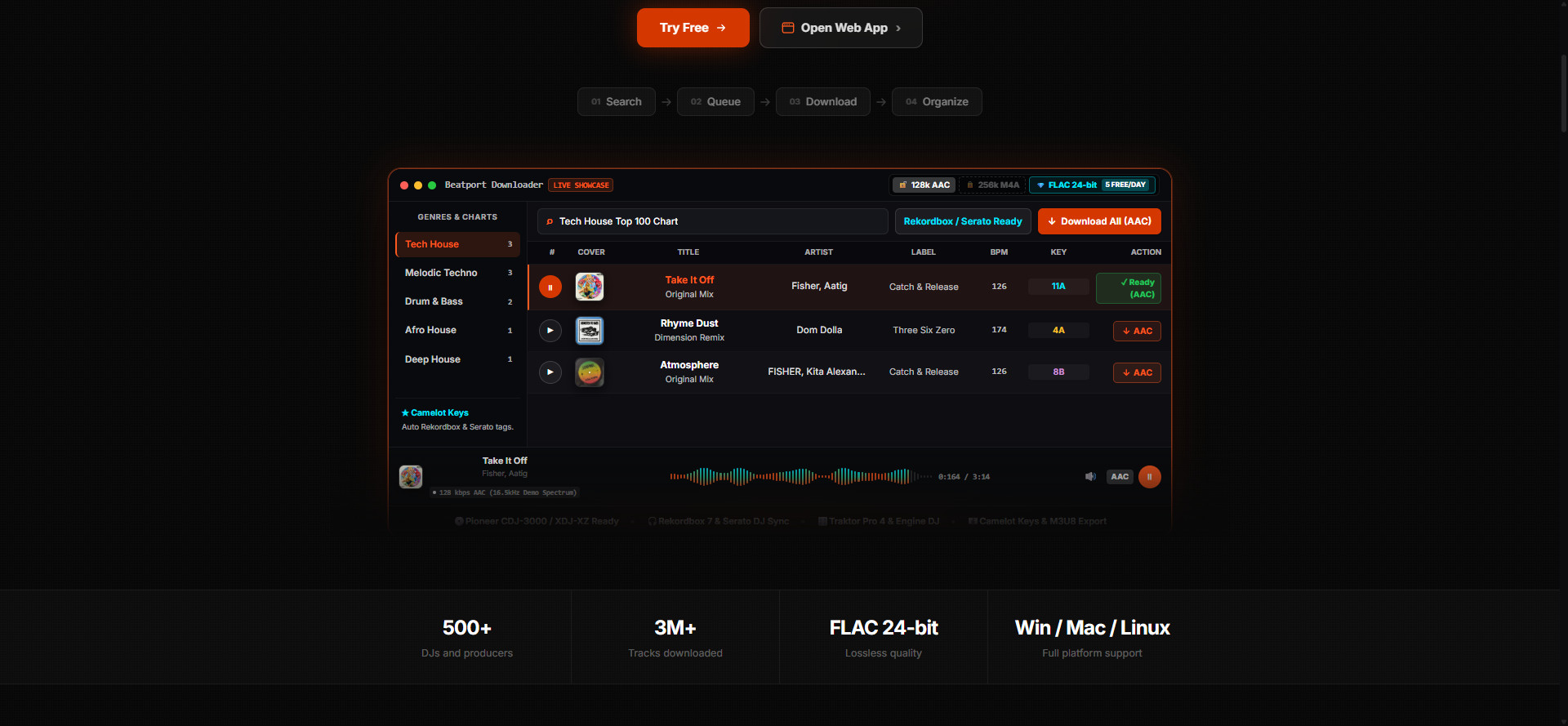
DJs frequently encounter unreadable tracks, emergency loop errors, or degraded high frequencies when moving between club setups and portable standalone rigs. In this engineering guide, we dissect the internal audio architectures of both units, establish precise USB partition standards, and demonstrate how to batch-export 24-bit lossless FLAC and WAV crates directly using Beatport Downloader PRO.
1. Internal DAC & DSP Architecture Comparison
To understand why file formats behave differently on each system, examine the core hardware specifications:
| Feature | Pioneer CDJ-3000 | Pioneer OPUS-QUAD |
|---|---|---|
| Internal Processing | 96 kHz / 32-bit floating point | 44.1 kHz / 32-bit floating point |
| D/A Converter Chip | Asahi Kasei AK4490EQ / ESS ES9016 | ESS Technology 32-bit SABRE DAC |
| Supported Formats | FLAC, WAV, AIFF, ALAC, MP3, AAC | FLAC, WAV, AIFF, ALAC, MP3, AAC |
| Max FLAC Resolution | 24-bit / 96 kHz (Up to 4.6 Mbps) | 24-bit / 48 kHz (Downsamples 96k) |
| Drive File System Support | FAT32, FAT16, exFAT, HFS+ (Mac) | exFAT, FAT32, NTFS, HFS+ |
| Library Engine | Device Library & Device Library Plus | Device Library Plus (Required for 4-Deck) |
Key technical difference: The CDJ-3000 features a dedicated MPU (Micro-Processing Unit) per deck with hardware acceleration for instantaneous waveform rendering and 96 kHz internal resampling. The OPUS-QUAD uses an integrated system-on-chip driving four internal software decks simultaneously. When playing dense 96 kHz 24-bit FLAC files on four channels at once on an OPUS-QUAD, the system automatically decodes audio to 44.1/48 kHz to manage thermal dissipation and bus bandwidth.
2. The USB Formatting Protocol: MBR vs GPT & FAT32 vs exFAT
The most common cause of 'E-8302: CANNOT PLAY TRACK' or 'FORMAT ERROR' on festival decks is incorrect partition table schemes. Follow these strict drive preparation rules:
A. Partition Table (MBR vs GPT)
- Drive sizes up to 32 GB: Use MBR (Master Boot Record) partition scheme with FAT32. This guarantees 100% backward compatibility with legacy CDJ-2000NXS2 and CDJ-900NXS units.
- High-capacity SSDs & drives over 64 GB: Format with MBR when possible. If your operating system forces GPT (GUID Partition Table), ensure the drive is formatted as exFAT with a 128 KB allocation unit size.
B. Command-Line Formatting Commands
3. Audio Format Hierarchy: FLAC 24-bit vs WAV vs 320k MP3
On large club sound systems (Funktion-One, L-Acoustics, d&b audiotechnik), low-bitrate compression creates noticeable listener fatigue. Here is how different formats perform through Pioneer 32-bit DACs:
| Audio Container | Bitrate / Depth | High Frequency Cutoff | Phase Transient Response | Rekordbox Tag Support |
|---|---|---|---|---|
| 24-bit FLAC (Studio) | 1,600 - 2,800 kbps (Lossless) | 22,050 Hz (Full Spectrum) | Zero smearing, tight punch | Full Vorbis tags (Camelot, BPM, Art) |
| 16-bit AIFF | 1,411 kbps (Uncompressed) | 22,050 Hz (Full Spectrum) | Zero smearing, instantaneous read | Full ID3v2.3 tags |
| 16-bit WAV | 1,411 kbps (Uncompressed) | 22,050 Hz (Full Spectrum) | Bit-perfect PCM | Poor tag standard (RIFF INFO chunk) |
| 320 kbps MP3 | 320 kbps (Lossy) | 20,500 Hz (Brickwall filter) | Phase distortion in 30-60 Hz bass | Full ID3v2.3 tags |
4. Preparing High-Res Crates with Beatport Downloader PRO
- Select Studio 24-bit FLAC: In the top quality selector, choose FLAC 24-bit / 44.1 kHz. This activates SOXR resampler precision (28-bit triangular dither) on the backend transcode engine.
- Automated Camelot Tagging: The engine automatically maps musical keys to standard Camelot notation (e.g.
8Afor A Minor,11Bfor A Major) and injects officialTKEYID3 frames directly into the Vorbis metadata. - Device Library Plus Export: In Rekordbox 7, enable 'Export to Device Library Plus'. Both the CDJ-3000 and OPUS-QUAD will recognize track waveforms, hot cues, and memory points instantly without requiring on-deck background analysis.
Get Club-Ready 24-Bit FLAC Tracks in Seconds
Download full extended mixes, Top 100 charts, and custom playlists with embedded Camelot keys and 1400x1400 artwork.
Open Beatport Downloader PRO